

WinSCP
Explore our comprehensive review of WinSCP, the premier Windows file manager for secure SFTP, FTP, and cloud-to-local data transfers.
Imagine you are minutes away from a critical website launch, or you need to automate a nightly backup of sensitive database files to a secure remote server. Doing this manually through clunky interfaces is a recipe for errors. This is where the WinSCP Windows file manager steps in as an indispensable tool for network administrators, developers, and power users alike.
What is the WinSCP Windows File Manager?
Developed by Martin Prikryl, WinSCP is a highly regarded, professional-grade utility designed specifically for the Windows platform. Operating within the IT tools category, it acts as a secure bridge between your local machine and remote hosting environments, cloud storage, or legacy servers. It simplifies complex directory synchronization tasks while maintaining top-tier security protocols.
Versatile Protocol Support and Key Features
The true strength of this WinSCP Windows file manager lies in its broad compatibility and robust feature set. Rather than switching between multiple applications, users can manage diverse environments from a single interface. Key capabilities include:
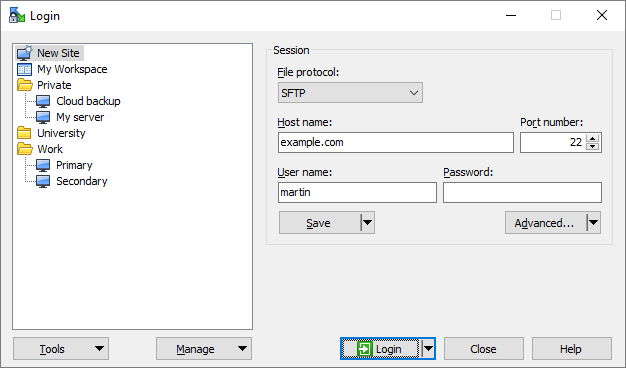
- Multi-Protocol Compatibility: Seamlessly handle file transfers using SFTP, FTP, FTPS, SCP, WebDAV, and Amazon S3.
- Advanced Automation: Streamline your workflow with powerful scripting capabilities, batch file integration, and a dedicated .NET assembly for custom programming.
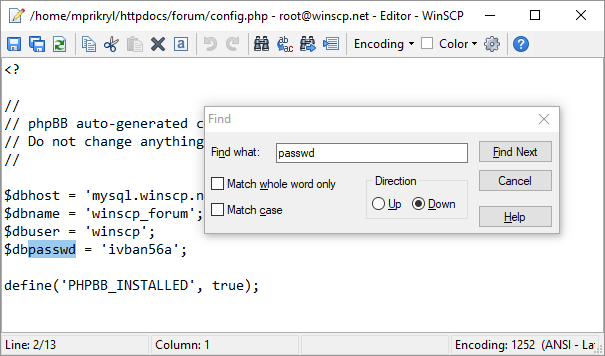
- Integrated File Editing: Edit text files directly on the remote server using built-in or external text editors, eliminating the need to download, edit, and re-upload.
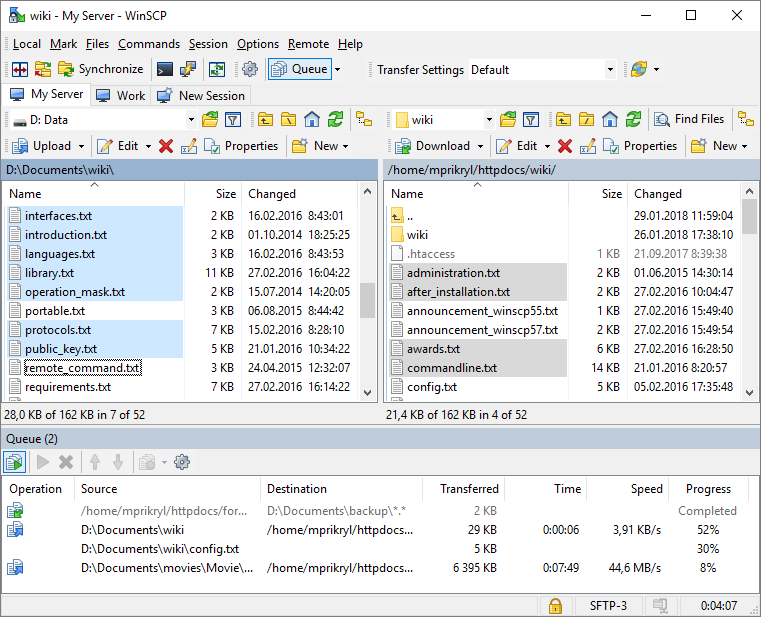
- Directory Synchronization: Keep local and remote folders perfectly mirrored with semi-automatic or fully automated sync tools.
User-Centric Interface Options
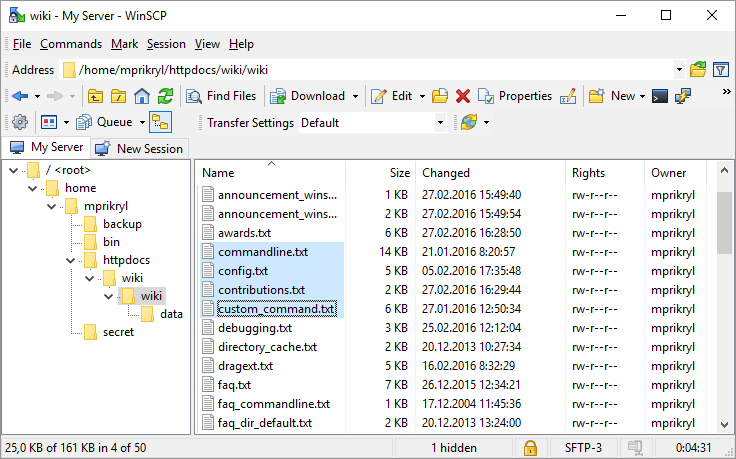
Whether you prefer a modern file-management layout or a classic dual-pane commander interface (reminiscent of Norton Commander), this tool caters to your specific workflow. It is highly customizable, fully documented, and available in English alongside numerous other global languages, making it accessible to international development teams.
Is It Right For You?
If your daily operations involve managing web servers, updating cloud assets, or executing secure script-based transfers, this application is an essential addition to your workstation. It bridges the gap between raw command-line power and graphical simplicity.
To experience this powerful utility firsthand, head over to the official Microsoft Store to purchase the official release, which directly supports the ongoing development of this open-source project.