

Feem Review: Wireless Local File Sharing Made Simple
Read our review of Feem, the local file sharing tool by FeePerfect AG that lets you transfer files across devices over Wi-Fi without using the internet.
We have all experienced the frustration of trying to move a large file between devices. Hunting for a compatible USB cable, emailing files to yourself, or waiting for slow cloud uploads to finish can turn a simple task into an annoying chore. Feem local file sharing offers an elegant solution to this everyday headache by letting you transfer files directly over your local Wi-Fi network without using any internet bandwidth.
What is Feem Local File Sharing?
Developed by FeePerfect AG, Feem is an offline file transfer utility designed to make sharing assets between devices on the same Wi-Fi network seamless. Because it operates entirely within your local network, it bypasses the internet completely. This means your transfers are incredibly fast, completely private, and do not consume your cellular data plan.
Key Features of Feem Local File Sharing
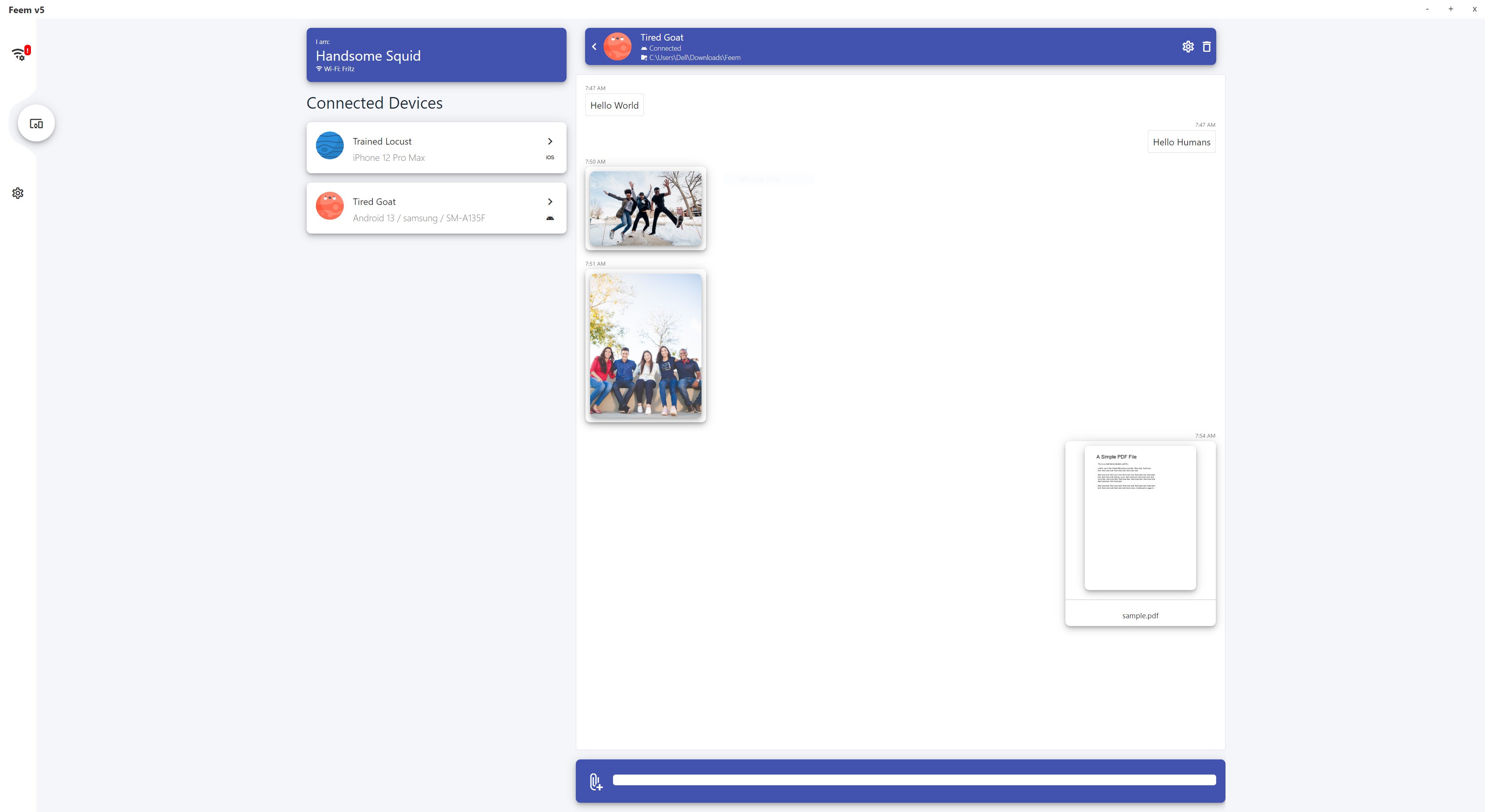
- Cross-Platform Performance: Whether you are running Windows, macOS, Linux, Android, or iOS, Feem bridges the gap between different operating systems effortlessly.
- Completely Offline Operation: You do not need an active internet connection to use Feem. As long as your devices are connected to the same Wi-Fi router or hotspot, you can transfer files instantly.
- Zero Bandwidth Consumption: Since all data stays within your local network, you can send massive files without worrying about data caps or slow upload speeds.
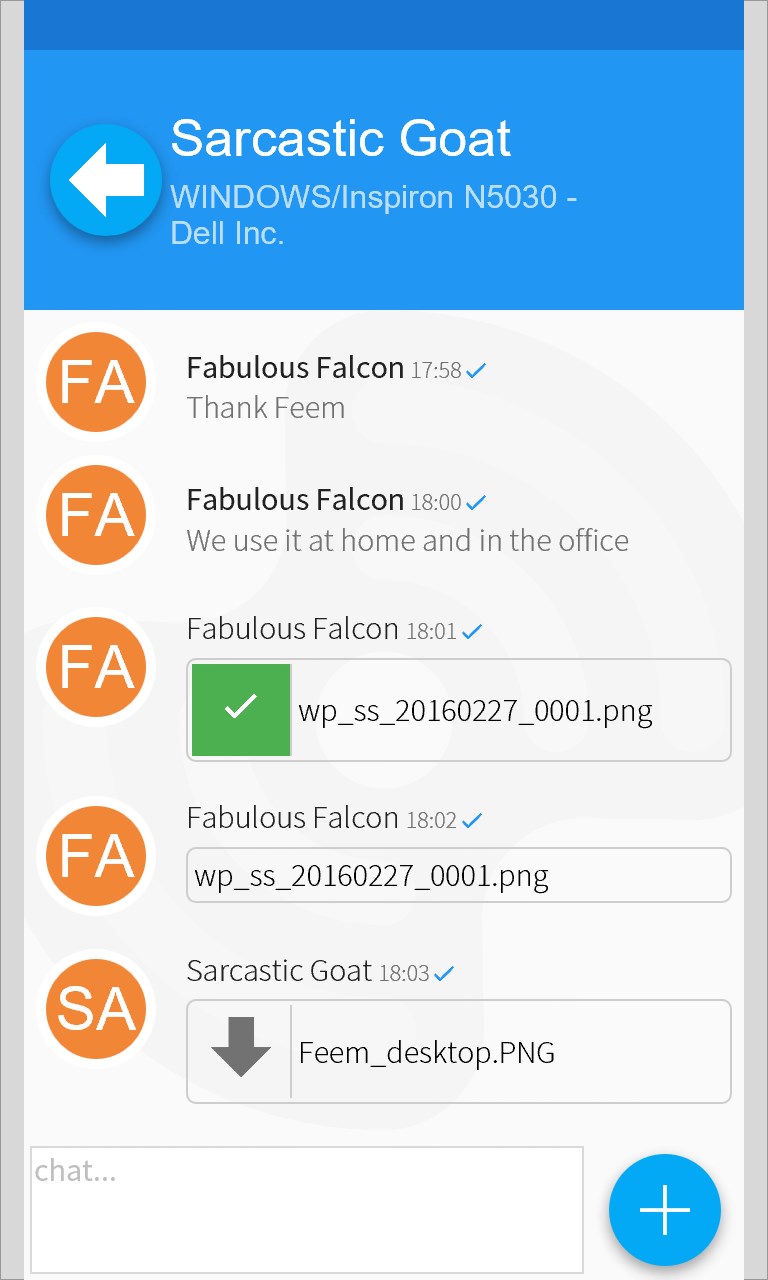
- Integrated Local Chat: Beyond sending documents and media, you can open a direct chat session with other connected users on your network to share quick notes or links.
How Does It Work?
Using the application is incredibly straightforward. Once you open the app on both the sending and receiving devices, Feem automatically detects other active users on your local network. You simply choose the files you wish to share, select the destination device, and initiate the transfer. There is no complex setup, pairing process, or cloud configuration required.
Who Benefits Most From Feem?
This tool is ideal for professionals, students, and families who frequently need to move photos, videos, or documents between computers and mobile devices. It eliminates the need for USB thumb drives and physical cables, making it a stellar addition to any IT tools toolkit.
If you are ready to experience hassle-free transfers, you can learn more or check out the application on the official Microsoft Store today.