

CocoFetch - All-in-one downloader
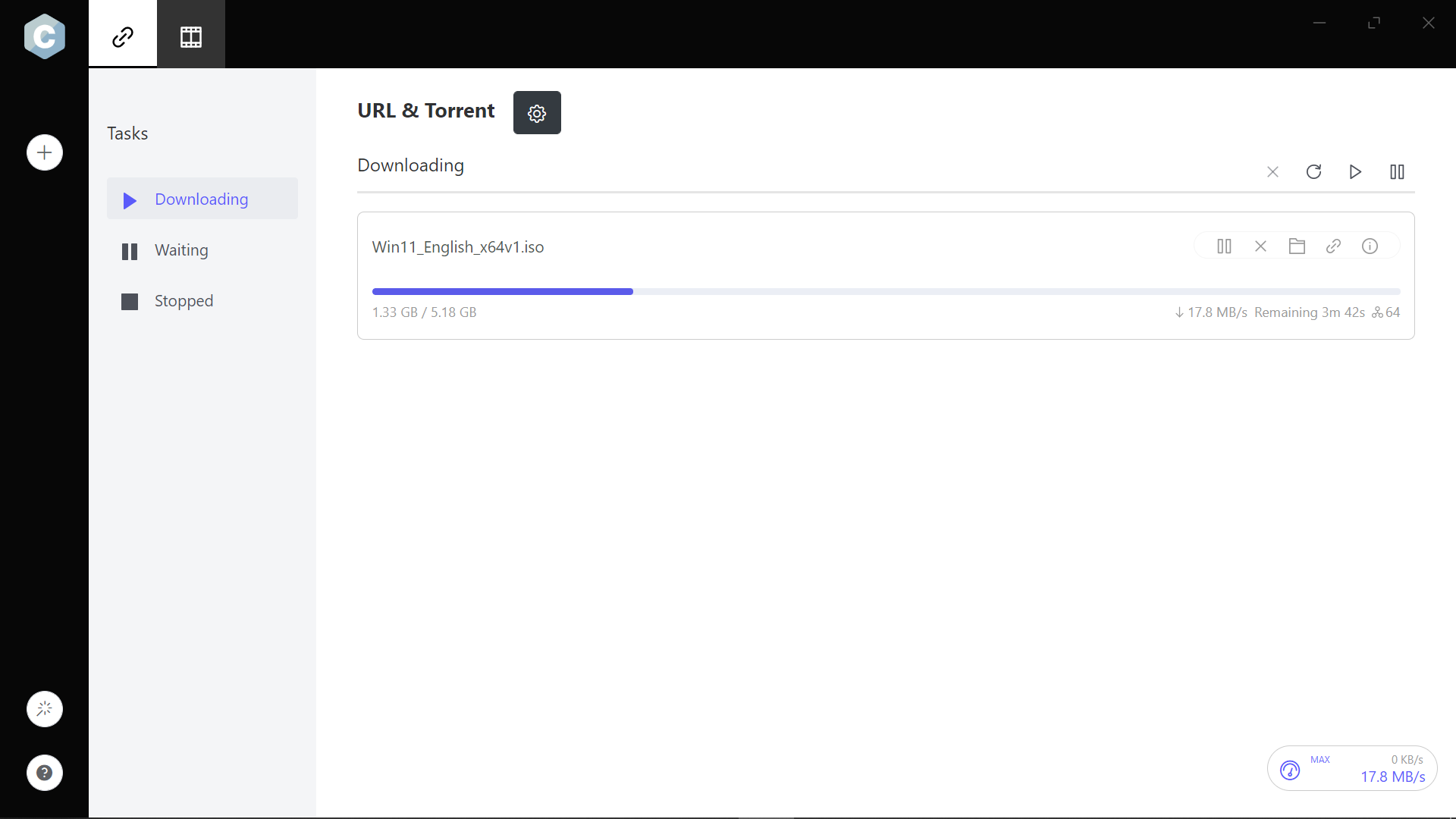
Read our comprehensive review of CocoFetch - All-in-one downloader for Windows. Learn how its advanced multi-protocol engine speeds up your daily downloads.
Get Fast, Multi-Protocol Downloads with CocoFetch
If you are tired of sluggish browser downloads that fail halfway through, CocoFetch - All-in-one downloader offers a powerful, unified solution for Windows users. Rather than relying on separate software for torrents, web videos, and direct links, this utility centralizes your queue into a single, high-performance interface. It is designed to maximize your bandwidth while keeping your downloading pipeline organized and secure.
Advanced Segmentation Engine
At the core of the CocoFetch - All-in-one downloader is a proprietary dynamic file segmentation algorithm. Instead of downloading a file in one continuous stream, the app splits files into multiple segments dynamically throughout the transfer process. By reusing existing connections without requiring redundant login steps, it can accelerate your overall download speeds significantly compared to standard browser tools.
Comprehensive Protocol Support
Whether you are pulling files from web servers or peer-to-peer networks, CocoFetch handles it seamlessly. Key protocol features include:
- HTTP, HTTPS, and FTP: Secure and standard web protocols are fully supported.
- BitTorrent and Magnet Links: No need for a separate torrent client; manage your torrent downloads alongside your regular files.
- Proxy Support: Route your downloads through proxy servers for enhanced privacy and network compatibility.
Smart BitTorrent Optimization
For peer-to-peer users, CocoFetch - All-in-one downloader addresses common torrent bottlenecks. It automatically updates its tracker list daily to establish quicker peer connections and locate additional seeds. This proactive approach helps prevent downloads from getting stuck at the dreaded 99% mark. Additionally, by caching data in your system memory, the software reduces active read/write cycles on your hard drive, extending your storage hardware's lifespan.
Versatile Video and Audio Extraction
Beyond traditional files, this software excels as a media companion. It allows you to download video and audio streams separately from popular websites, giving you greater control over file sizes and formats. You can also retrieve corresponding subtitles directly through the interface, making it an excellent resource for offline media archiving.
Resilient Error Recovery
Network interruptions, power outages, and unexpected system shutdowns can ruin long downloads. CocoFetch eliminates this frustration by automatically repairing and resuming interrupted transfers. Once your connection or power is restored, the application picks up exactly where it left off, saving you time and valuable data.
Is It Right For You?
If you regularly handle large files, torrents, and online media, consolidating your tools into this single Windows application is highly efficient. With its modern, multilingual user interface, it provides a clean and accessible dashboard for both casual downloaders and power users alike. To try it out for yourself, visit the official Microsoft Store to download the app onto your Windows device.