
SplitCam Live Streaming
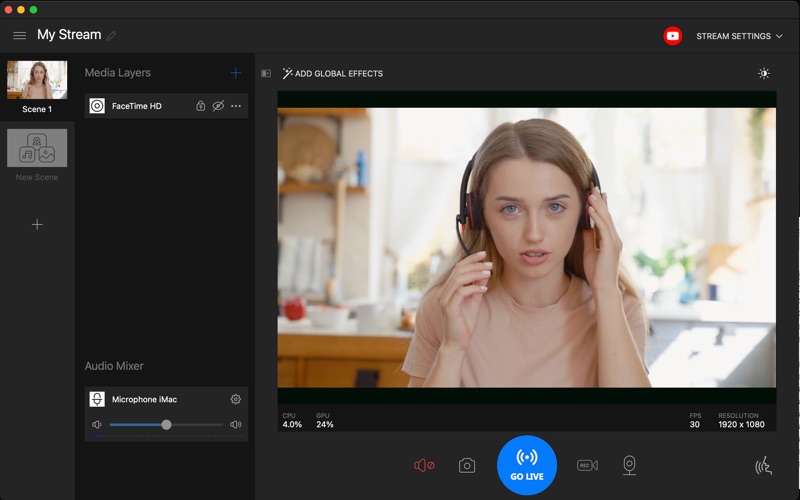
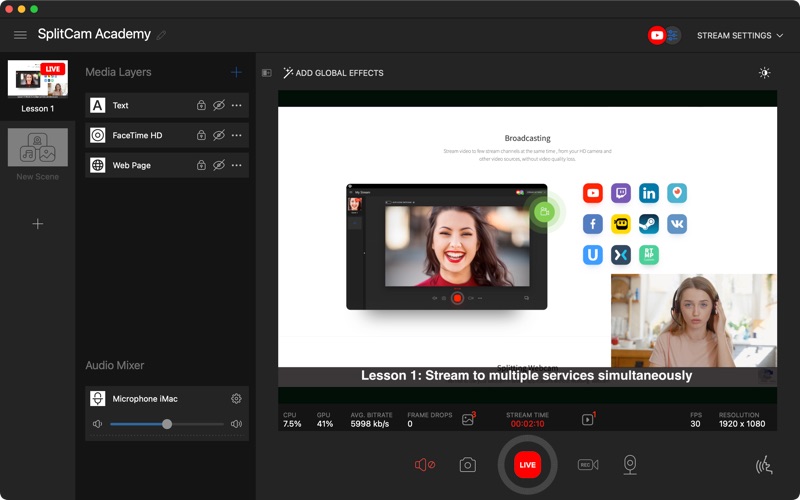
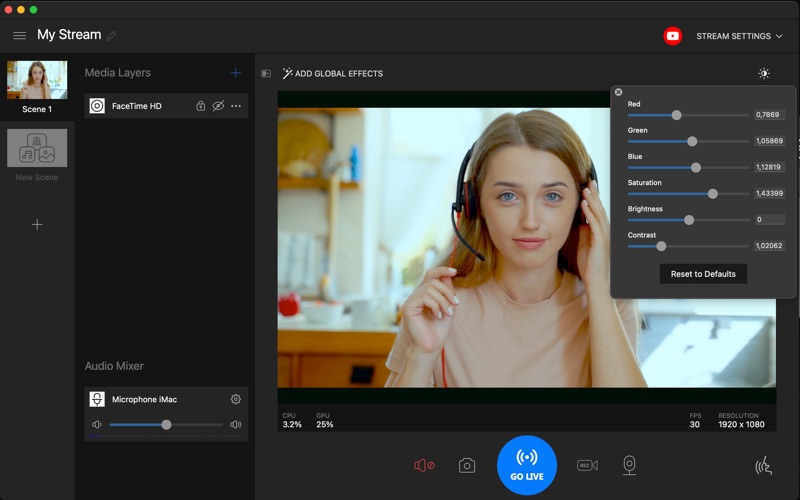
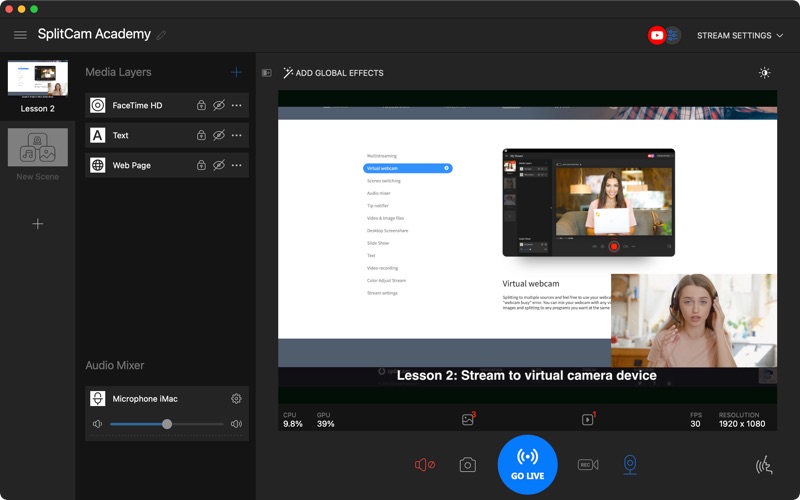
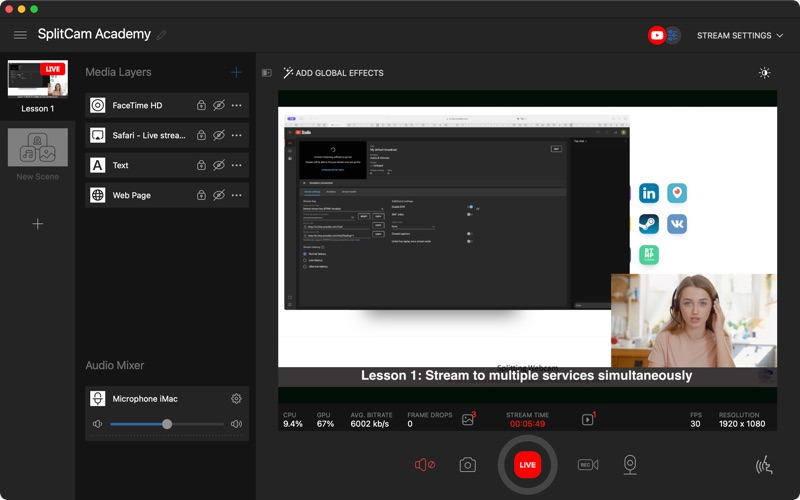
Discover SplitCam Live Streaming for Mac. Read our comprehensive review of this powerful virtual camera and multi-destination streaming studio.
Transform Your Mac Into a Professional Broadcast Studio
For content creators, educators, and remote professionals, managing multiple video sources during a live broadcast or video conference has historically required complex hardware or expensive cloud subscriptions. SplitCam Live Streaming changes the game by turning your Mac into a complete, hardware-accelerated production studio. The single most impressive capability of this software is its ability to stream directly to more than five platforms simultaneously without requiring any third-party restreaming services. By processing everything locally, it saves you both subscription fees and system resources.
Key Features of SplitCam Live Streaming
Whether you are looking to elevate your daily corporate meetings or launch a multi-platform gaming stream, this application offers an array of professional tools designed specifically for macOS:
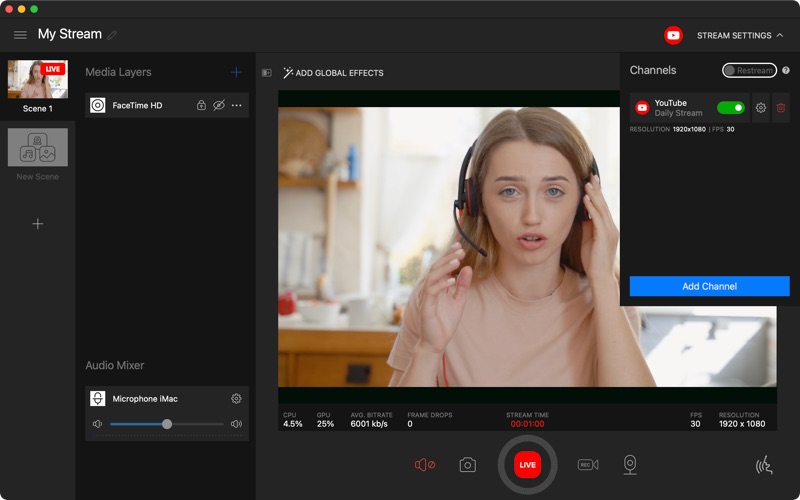
- True Multistreaming: Broadcast directly to YouTube, Twitch, Facebook, and other RTMP/RTMPS/SRT destinations simultaneously. You can customize the bitrate and resolution for each platform to ensure optimal delivery.
- Universal Virtual Camera: Your customized SplitCam feed is recognized as a standard webcam by major communication platforms like Zoom, Microsoft Teams, Google Meet, Skype, and Discord.
- Advanced Scene Compositor: Build complex scenes by mixing USB cameras, built-in Mac cameras, screen captures, window sharing, browser sources, images, and pre-recorded video clips.
- GPU-Accelerated Effects: Render real-time backgrounds, blurs, beautification filters, and color corrections through Apple's Metal framework, minimizing battery drain and CPU load.
- Wireless Remote Control: Use the companion SplitCam Remote app on your iPhone to switch scenes, control audio levels, and manage your stream without reaching for your keyboard.
- Dual Audio Mixing & Local Recording: Combine system audio with microphone inputs while capturing high-quality local MP4 recordings of your live broadcast.
Who Is This Streaming Software For?
SplitCam Live Streaming is an exceptional fit for educators who need to present dynamic lectures using multiple camera angles and screen shares. It is equally valuable for remote business professionals who want to stand out in virtual meetings with polished overlays, professional lighting corrections, and clean background blurs. Live streamers and digital creators will find the built-in multi-destination streaming tools indispensable for growing their audiences across different social networks simultaneously without incurring extra monthly costs.
Why It Stands Out on macOS
Unlike many cross-platform tools that run poorly on Apple hardware, this software is built natively for Apple Silicon. By leveraging native VideoToolbox hardware acceleration and Metal-based GPU rendering, it delivers smooth 4K performance at 60 frames per second while keeping your Mac cool. It offers a generous selection of core features for free, making professional-grade broadcasting accessible to everyone.
Get Started with SplitCam
If you are ready to elevate your video production quality, eliminate expensive restreaming subscriptions, and command complete control over your virtual camera feed, this utility is highly recommended. To explore its features and integrate it into your workflow, visit the official Mac App Store to download SplitCam Live Streaming for your macOS device.